nextjs · · 17 min read
NestJS vs Next.js: Backend Framework, React Full Stack, or Both?
NestJS handles complex backends. Next.js handles React pages and SEO. The names look alike; the layers do not. Compare positioning, architecture, routing, realtime, performance, testing, and how to choose in 2026.
 Mttao @bearboy80 3,659 words 中文 →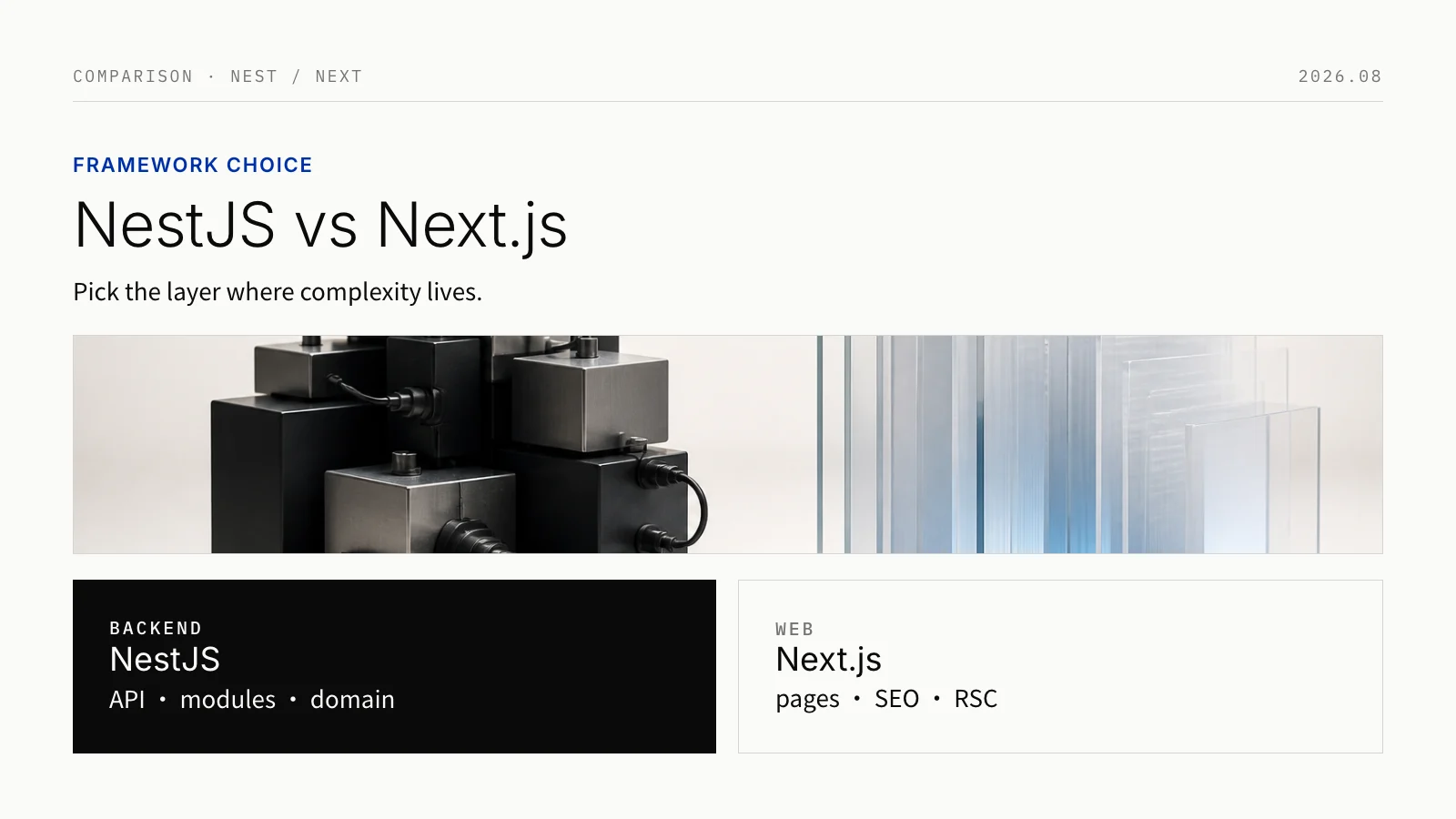
NestJS and Next.js differ by one letter. Both run on Node.js, and both can handle HTTP. People often treat them as a pick-one choice. They are not the same layer.
NestJS is good at turning a complex backend into modules, dependency injection, and multiple ways to communicate. Next.js is good at rendering React pages, handling interaction, and making cache and SEO reliable. If you only ask “which one writes APIs better,” you hide the differences that actually drive long-term cost.
The official Next.js BFF guide is blunt: its backend features are not a full backend replacement. They can expose public endpoints, handle HTTP, and return any content type. That is as far as they go.
| What hurts most… | Start with | Why |
|---|---|---|
| Pages, SEO, first paint, content delivery, combining several data sources into one page | Next.js | App Router, Server Components, streaming, and caching are what it is built for |
| Business rules, permissions, transactions, public APIs, background jobs, realtime, or several clients sharing one set of logic | NestJS | Modules, services, and dependency injection look like a real backend system |
| Both page experience and business rules are complex | Next.js + NestJS | Next.js owns presentation and a thin BFF; NestJS owns the business core. Do not bury rules in page routes, and do not rebuild rendering in a backend framework |
What each framework is for
NestJS: the core is backend architecture
NestJS is a backend framework for Node.js. TypeScript is the default. The HTTP layer uses Express out of the box and can switch to Fastify. It does not render pages. It builds APIs and services: REST, GraphQL, microservices, WebSockets, and job queues. In positioning, it is close to Spring Boot in Java.
Decorators are only the syntax. What matters is a clear structure:
- Module groups one area of functionality
- Controller receives incoming requests
- Provider holds business services, repositories, and factories, then injects them when needed
Every app has at least a root module. The framework starts there and wires dependencies between modules and services. A service is available only inside its own module by default. Another module can use it only after it is exportsed. Domain boundaries stay clearer, and as the codebase grows, modules are less likely to import each other at random.
Next.js: the core is shipping a React site
Next.js, maintained by Vercel, is a full-stack framework for React sites. You write the UI with components. The framework handles routing, compilation, bundling, rendering, and performance. App Router is the default now; older Pages Router projects can keep running.
In the App Router, layouts and pages are Server Components by default: data is fetched on the server, the UI is rendered there first, cacheable results are cached, then the page is streamed to the browser. Write Client Components only when you need local state, click handlers, lifecycle methods, browser APIs, or custom hooks.
The core problem Next.js solves is which part of the UI runs on the server, which part runs in the browser, and how the rendered result is cached and sent to the user. That directly affects first paint, client JS size, where interaction is split, and SEO. How order and inventory objects constrain each other is not its main job.
| Dimension | NestJS | Next.js |
|---|---|---|
| Positioning | A Node.js backend framework for business services | A React full-stack framework for sites and a light backend |
| Core concepts | Modules, controllers, services, dependency injection | File-system routing, Layout / Page, Server / Client Components |
| What it optimizes | Backend maintainability, clear boundaries, reusable services | How pages render, navigate, cache, and ship static assets |
| HTTP role | Public APIs and a full server request pipeline | Route Handlers that act as a BFF for the current page |
| Language | TypeScript is the default and almost required | Optional, but most projects use TypeScript anyway |
| Can it run alone | Yes, often as an API or service platform | Yes, especially for sites and full-stack apps whose backend is light |
| Role when combined | The business backend behind Next.js | The React frontend in front of NestJS, plus a thin BFF if needed |
Architecture: at scale, the real gap is the boundary
NestJS: split modules by business domain
A Controller only handles HTTP. Complex logic goes to a Provider. Dependencies are injected by the container, usually in the constructor. A service can live for the whole app, or only for one request. Incoming requests, validation, authorization, business rules, database access, and third-party calls then separate into layers, instead of living in one route file.
This structure fits especially well when orders, payments, inventory, subscriptions, permissions, audit, or approvals are called from several entry points; when the product later has to serve a website, an app, an admin console, and partners at the same time; or when a teammate owns only one domain and still needs to change code safely. NestJS will not design your domain model for you. It does make modularity the default.
Next.js: the server renders pages, the client handles interaction
Server Components keep data fetching and some rendering on the server. The parts that respond to user actions or call browser APIs become Client Components. That does not mean “there is no backend.” It means the page itself can fetch data and render safely on the server.
Custom endpoints live in route.ts under app and use the standard Request / Response APIs. Returning JSON or files, receiving webhooks, handling login callbacks, aggregating a few third-party APIs, and forwarding to a real backend after validation all fit. If the product is a single website, keeping pages, data fetching, and a few APIs in one repo makes early integration and releases much simpler.
Next.js can write APIs. That does not mean the whole backend belongs there
Route Handlers work, and they work well. Officially they are a BFF, not a general backend platform. When an endpoint only serves the current page — form submit, cache revalidation, upload signatures, OAuth callbacks, stitching a few third-party results for the page — Next.js is the right place.
Once the API has to serve several clients for a long time, or the business needs complex permissions, long transactions, async jobs, strict audit, long-lived connections, and an independent release cadence, stacking more logic in app/api quickly tangles the page tree with the domain model.
The issue is not that Next.js cannot do it. It is who maintains it later, how it evolves, and what happens if a change is missed. Adaptation that only serves the current page belongs in Next.js. Rules that several clients reuse, and that affect data consistency, belong in NestJS or another dedicated backend.
How routing works
In NestJS, a class marked @Controller() owns the route. Methods declare verbs and paths with @Get() and @Post(). Auth, interception, and validation can hang on the same request pipeline. REST layering, and reusing one set of logic from several entry points, both feel natural.
Next.js uses file-system routing: a file under app or pages is a page. APIs usually live at app/api/**/route.ts, or the older pages/api, and export a function per HTTP method. That is a good thin BFF for the frontend. Once APIs grow in number and complexity, structure and maintainability usually fall behind NestJS.
Backend capabilities: APIs, realtime, async jobs, and multiple protocols
NestJS does more than HTTP. Dependency injection, decorators, filters, pipes, guards, and interceptors also work for WebSockets and microservices. Gateways support Socket.IO and ws, and they inject like any other service. Chat, collaboration, trading status, live dashboards, and device control — anything that needs a long-lived connection — fit NestJS better.
For microservices, request-response and event notifications share one writing style. The transport can be TCP, Redis, NATS, Kafka, or gRPC. That does not mean you should split into many services on day one. The safer path is to draw business boundaries inside a modular monolith first. Split a service only when you truly need independent deploys, traffic isolation, separate teams, or stronger async reliability. The framework reduces repeated glue code. Monitoring, retries, idempotency, consistency, and operations are still your job.
Next.js can receive webhooks, expose endpoints, and proxy requests to a backend. Realtime and message queues are not its main strengths. If those are core to the product, give them to NestJS or dedicated infrastructure, and keep Next.js on pages and interaction.
The ecosystems follow the same split. NestJS integrates well with TypeORM, Prisma, and Mongoose. Validation, interceptors, and guards are built into the framework. Next.js plus Prisma can still do full CRUD. Unified gateways, complex job queues, and cross-service orchestration still fit a dedicated backend better.
| Backend need | Next.js alone | NestJS alone | Suggestion |
|---|---|---|---|
| Page-only reads/writes, forms, OAuth callbacks, CMS webhooks | A good fit | Possible, but usually heavier | Prefer Next.js |
| Public APIs, SDKs, versioned contracts | Possible, you invent the conventions | A good fit | Prefer NestJS; let Next.js proxy or aggregate |
| Complex permissions, audit, approvals, transaction orchestration | Possible, easy to couple to pages | A good fit | NestJS is the source of business rules |
| WebSocket / Socket.IO | Possible, not a main strength | A good fit | NestJS owns the connection; add Next.js for UI if needed |
| Queue consumers, events, service-to-service messaging | Possible, not a main strength | A good fit | NestJS, or a dedicated worker |
| SEO, dynamic pages, RSC, streaming UI | A good fit | Not its goal | Next.js |
Performance: do not ask “which framework is faster”
How fast a site feels and how much API throughput you get are different questions.
Next.js wins on rendering and delivery. Server Components fetch data and render part of the UI on the server. The result can be cached and streamed. When you self-host, cache, ISR, CDN, dynamic APIs, and the streaming path all affect real users. Ask whether this page can be static, which data can be cached, which components must be dynamic, whether the CDN honors cache variants, and whether a proxy is buffering the streamed response.
How fast a NestJS API is usually depends on the database, N+1 queries, how heavy serialization and validation are, how often you call other services, cache and payload size, and which HTTP adapter you use. Express is the default. Official docs also offer Fastify, and benchmarks often put Fastify at about twice Express. That only means Fastify is an option for high throughput. It does not mean your business API becomes twice as fast after the switch. Check Express-only middleware and existing recipes before you change.
“JSON API only” benchmarks often show NestJS doing less per request, so throughput beats Next.js Route Handlers that also carry compile and React runtime cost. Treat those numbers as a direction, not a promise. Page metrics are a different scoreboard: LCP, SEO, first paint, and client JS are where Next.js should win.
| What you want to improve | Look here first | Common levers |
|---|---|---|
| First paint, LCP, SEO, client JS | Next.js rendering, cache, and delivery | Server / Client split, static pages, cache, images, CDN, streaming |
| API P95 / P99, QPS, machine cost | The NestJS service path | Database, connection pools, outbound I/O, serialization, rate limits, HTTP adapter |
| Realtime latency and connection stability | Gateway, network, messaging | Connection handling, heartbeats, fan-out, state sync, queues, horizontal scale |
How it feels to write, and how hard it is to learn
NestJS requires TypeScript and a lot of structure. You have to learn modules, controllers, services, dependency injection, and decorators first, so the ramp is steeper. After that, the CLI and consistent structure pay off on large projects: ownership is obvious, and tests can replace dependencies cleanly.
Next.js is friendlier if the team already writes React. Once file routing and data fetching click, you can ship SSR pages, static pages, and simple APIs fairly quickly. The curve is gentler, which fits small teams and early product validation. The cost is fewer constraints: as the project grows, the same rules tend to scatter across Route Handlers, Server Actions, and page components.
Community and versions
Both projects are MIT-licensed. There is no extra license fee. As of August 2026:
- Next.js has about 142K GitHub stars. The
nextpackage sees tens of millions of weekly npm downloads. It is the de facto production default in the React ecosystem. Stable 16.x makes Turbopack the default bundler. - NestJS has about 76K stars.
@nestjs/coreis also in the millions of weekly downloads, and it is one of the closest things Node backends have to an enterprise default. NestJS 11 ships Express v5 as the default HTTP adapter; Fastify remains optional.
Stars and downloads tell you how deep the ecosystem is and how easy hiring will be. They do not decide the choice by themselves. Next.js has a larger community, more frontend material, and an easier hiring market. NestJS is more systematic for backend engineering, microservices, and testing.
Testing, deployment, and the cost of running both
Testing
NestJS ships @nestjs/testing, with Jest and Supertest as the default pairing. Dependency injection can replace providers, guards, interceptors, filters, and pipes. Business services can be verified with stand-ins, without a real database, then E2E tests can stitch HTTP and modules together.
Next.js documents Cypress, Playwright, Vitest, and Jest. The docs specifically suggest E2E for async Server Components, because many unit-test tools still do not handle them well. A stable split is: pure functions and Client Components in unit or component tests; critical user paths and Server Component data flow in Playwright or Cypress.
When both frameworks are in play, draw the line clearly: rules, API contracts, permissions, and events belong to NestJS; pages, component boundaries, and a completed user journey belong to Next.js. Cover the important cross-service contracts with contract tests or end-to-end tests.
Deployment
Next.js can deploy as a Node server, a Docker container, static files, or a platform adapter. Node and Docker have the most complete feature set. After a static export, anything that needs a server is gone, including server rendering and Route Handlers. If you self-host multiple instances, part of the default cache lives in memory and on local disk, and instances do not share it. In Kubernetes, or any environment where containers can be destroyed and recreated at any time, you need a shared cache or your own cache handler. Encryption keys for Server Functions, deployment IDs, streaming responses, and cross-instance cache invalidation also need a plan in advance.
NestJS usually deploys as a long-running Node process or container. The hard part of scaling is rarely the framework. It is whether database access can stay stateless, how you connect job queues, whether WebSockets need sticky sessions, whether logs are easy to trace, how you rate-limit, and how you version APIs.
Shipping both frameworks means you now have an extra service. DNS and the gateway, service-to-service auth, how logs form one trace, how API contracts are versioned, and who releases first all need their own design. For a complex product, that extra cost usually buys clearer ownership. The safer pattern is: keep Next.js endpoints as a thin BFF for page adaptation; keep business rules and writes in NestJS. Do not implement the same logic twice.
Browser
  │
  ├── CDN / WAF / reverse proxy
  │        │
  │        └── Next.js: pages, RSC, SEO, UI, thin BFF
  │                         │
  │                         └── NestJS: domain API, authz, transactions, events, WebSockets
  │                                           │
  │                                           ├── database / cache
  │                                           ├── queue / event bus
  │                                           └── third-party services
Choose by scenario
| Scenario | What to pick | Why | Pitfall |
|---|---|---|---|
| Marketing site, docs, content site, SEO matters | Next.js | Value is in rendering, static pages, streaming, and React UI | Do not stand up a separate backend for a few forms or a CMS |
| Small-team web MVP, only a browser client | Next.js first | Pages and light reads/writes live in one repo, so you can move fast | Keep validation and a service boundary from day one; do not let Route Handlers talk to the database directly |
| Internal admin, simple rules, short life | Next.js first | UI and actions stay together; deploy is simple | Extract a business API once permissions, approvals, or audit get heavy |
| Multi-tenant SaaS: site + app + admin | Next.js + NestJS | Several clients share rules and APIs; the site still needs a good experience | Do not let both sides implement the same permissions or business rules |
| Finance, healthcare, compliance, heavy audit | NestJS as the source of truth, usually with Next.js in front | Boundaries, unified auth, audit, and testability belong on the backend | The framework does not make you compliant; threat modeling, logs, and data governance are still yours |
| Chat, collaboration, live dashboards, IoT | NestJS + Next.js | Connections and messages go to NestJS; UI goes to Next.js | Design connection scale, state sync, replay, idempotency, and message order |
| Public API, partner integrations, no frontend | NestJS | The product is the API; you do not need another React layer | Decide versions, rate limits, auth, error codes, and docs early |
| You already have a Nest API and need to rebuild the site | Add Next.js | Keep the mature backend; let Next.js consume the API and own pages plus a thin adapter | Do not bypass NestJS and hit the database for convenience |
Start with three questions
Question 1: is the urgent job to ship a website quickly?
If yes, start with Next.js. Do not put business rules directly in pages or Route Handlers. Put them in a service layer you can test on its own and move later. Public Route Handlers are public HTTP endpoints. Add login, authorization, input validation, and rate limiting. Do not send raw error details back to the client.
Question 2: is the urgent job to turn complex business logic into a backend you can evolve?
If yes, start with NestJS. Split modules by business domain. Use dependency injection to isolate the database and third-party services. Stay a modular monolith first. Split into multiple services only after business or team boundaries are actually clear.
Question 3: are both of the above true at the same time?
If yes, do not make one framework do both jobs. Use Next.js + NestJS, and keep the split:
- Adaptation that only serves one page stays in Next.js
- Rules that cross pages or clients, and that affect data consistency, stay in NestJS
- Next.js calls NestJS through an explicit API
- Every write is judged by NestJS business rules
Use this table as a quick check:
| Ask yourself | If the answer is yes |
|---|---|
| Do you need SEO, content delivery, RSC, or streamed pages? | Next.js is almost required |
| Do you have only one website client, and simple business rules? | One Next.js project is usually enough |
| Do you also have an app, an open platform, several frontends, or a long-lived public API? | NestJS should be the shared backend |
| Do you have complex approvals, permissions, audit, background jobs, realtime, or message queues? | Start with NestJS, then add Next.js for the site |
| Will Next.js be self-hosted on multiple instances, and depend on ISR, cache, or Server Functions? | Design cache, keys, deployment IDs, and the streaming path first |
Two paths from here
You already have a Next.js monolith, then add NestJS
When a second client appears, the same business is written twice, jobs run for a long time, or permissions and audit get heavy, do not rewrite the whole site. List the writes and the most stable domain objects. Define API contracts for them. Move only the new work, or the part that is changing hardest, into NestJS. Next.js Route Handlers can stay as a compatibility layer, or keep aggregating for the page. Then send every write through NestJS. This gradual cutover is safer than copying the entire API at once, and you do not have to stop for a big-bang rewrite.
You already have NestJS, then add Next.js
If NestJS already owns the API, treat Next.js as a separate website layer. Move high-value pages to the App Router first. Use Server Components to fetch data safely and output HTML. Keep the parts that need clicks and local interaction as Client Components. A thin BFF in Next.js can aggregate several APIs, adapt cookies, and hide internal service topology. Do not let it take over write rules, and do not bypass NestJS to touch the database.
Closing
If the backend is simple, choose Next.js. If the site is simple and the backend business is complex, choose NestJS. If both are complex, use both.
If you need a default recommendation: for most teams that want the product to last, the safer split is Next.js for the site and user experience, NestJS for the business and service platform. That does not mean every project should start with two services. A single-site MVP moves faster on Next.js. When the business no longer exists only to serve the current page, introduce NestJS on purpose. You can ship first, and still keep room to change later.
References
- NestJS Documentation
- NestJS Modules
- NestJS Providers
- NestJS Testing
- NestJS Performance (Fastify)
- NestJS Microservices
- NestJS WebSocket Gateways
- Next.js Documentation
- Next.js Server and Client Components
- Next.js Route Handlers
- Next.js Backend for Frontend
- Next.js Testing
- Next.js Deploying
- Next.js Self-hosting
- Next.js 16
Mttao GitHub ↗
Exploring technology and life's wisdom